The best AI tools to translate a novel in 2026
Eleven ways to translate a novel with AI in 2026, including Kindle Translate, DeepL, ChatGPT, Claude and the tools built for books. What each one does with a 90,000-word manuscript, what it costs, and how to test one on a single chapter first.

On this page
In 1986, Poland got a new translation of Winnie-the-Pooh. Some scholars consider it closer to Milne than the beloved 1938 version. It also renamed the bear. Kubuś Puchatek, a boy’s name every Polish child knew, became Fredzia Phi-Phi, which most Polish ears hear as a girl’s. The country was not amused. Forty years later, Kubuś is still the one on the shelves.
Readers forgive a translation a lot. They do not forgive a character who changes names between chapters, or a villain who suddenly sounds like a customer-service email. Those are the two failures to check for in every tool below.

A disclosure before we start: I co-founded Transept, one of the tools below. Read my section on it with the suspicion you would give any author reviewing her own book. Everything I say about the other tools comes from their own websites, checked on 19 October 2026, and each claim links to the page it came from.
What should an AI tool do with a whole novel?
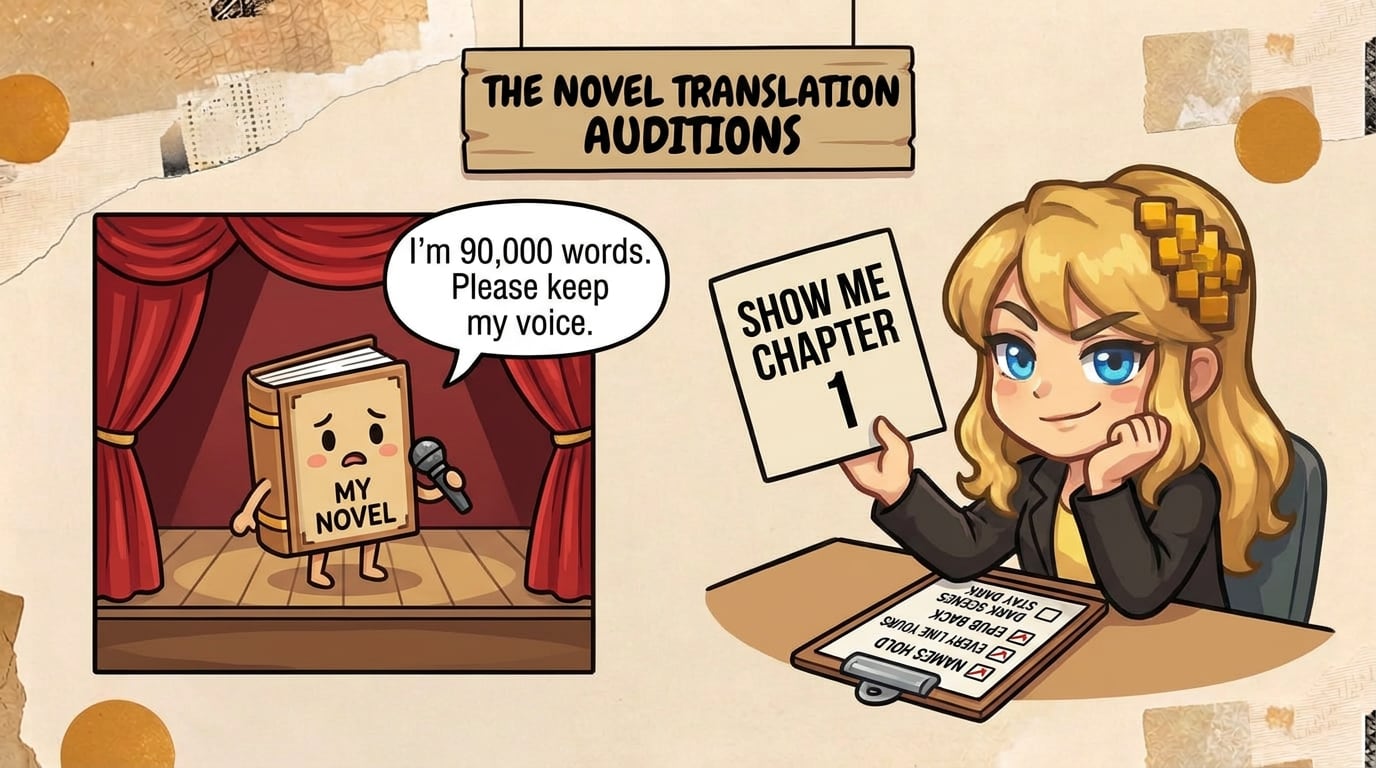
What makes a novel hard for a translation tool is consistency: about 6,000 sentences that have to agree with each other. Before you compare prices, check that a tool can do these six things:
- Keep names fixed. Anna stays Anna on page 300, and so does the village, the spell and the pet dragon. That takes a glossary or character list the tool applies to every chapter.
- Take the whole book at once, or at least chapter after chapter without forgetting what came before.
- Give you your book back. An EPUB in, an EPUB out, with chapters, cover and footnotes where you left them. A pile of text you have to lay out again costs you a weekend.
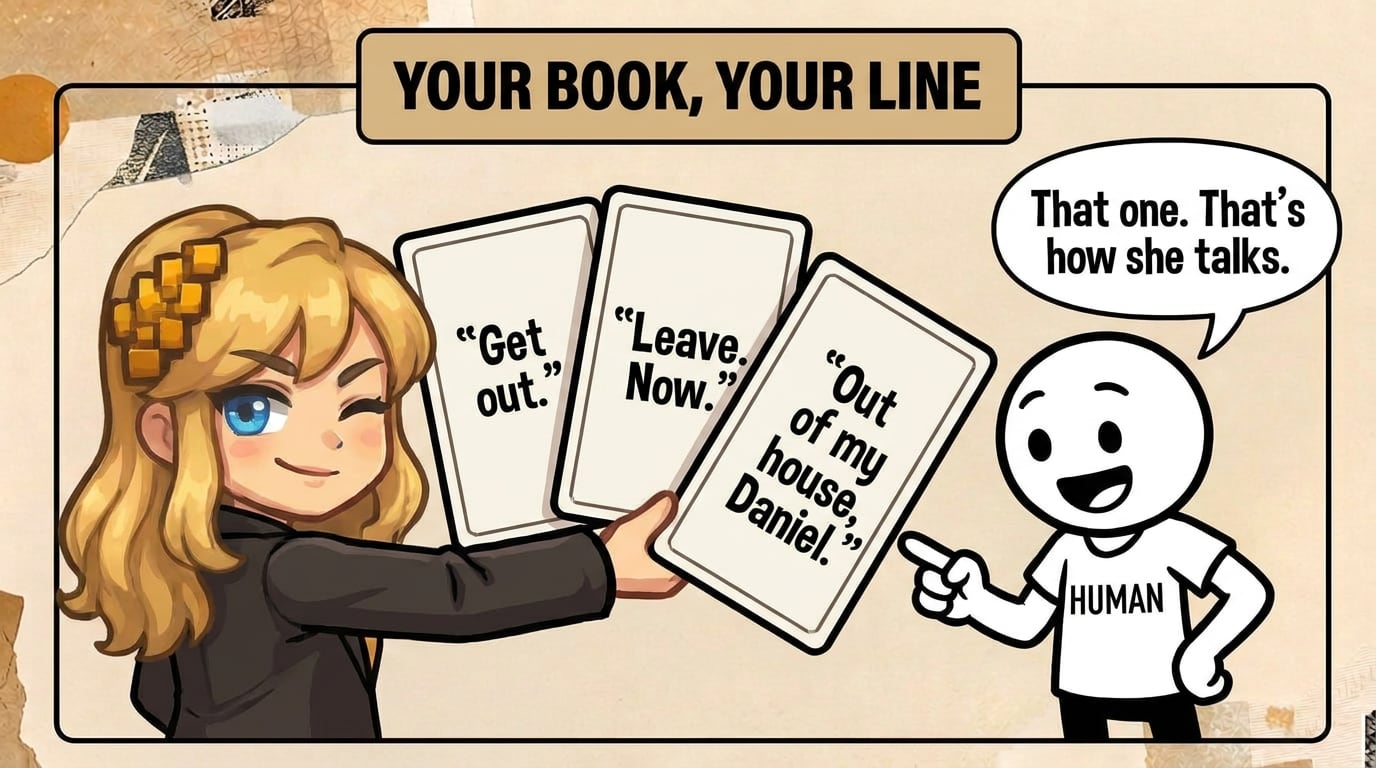
- Let you change any line. You know how your characters talk. If a tool returns a finished file with no way to fix sentence 2,417, you publish whatever the model chose.
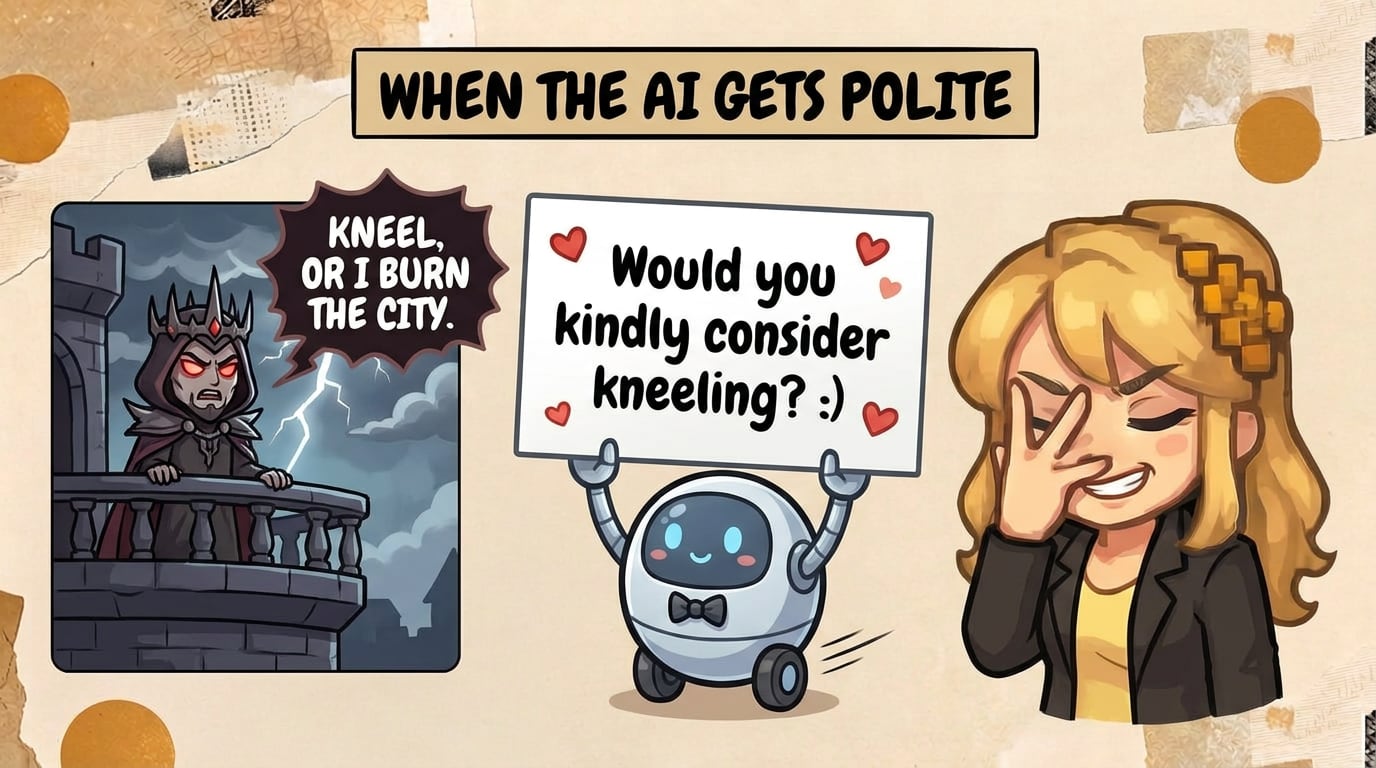
- Translate dark scenes as written. Some AI models soften violence, sex and swearing, or refuse a passage outright. Test your darkest chapter.
- Tell you the price first. Per word, per character, per token or per chapter: make sure you can turn it into a number for your book before you upload it.
How do the AI novel translators compare?
Here are eleven options side by side. Prices are for a 90,000-word novel, worked out from each vendor’s own price list. Where a vendor publishes no price for a whole book, the table says so.
| Tool | Best for | Book in → out | Keeps names fixed | Edit line by line | 90,000-word novel |
|---|---|---|---|---|---|
| Kindle Translate | A book already live on Kindle | Your KDP ebook → a new Kindle ebook | Automatic check, no glossary | No | Free during the beta |
| DeepL | A formatted draft in Word | DOCX, PDF and more → same format; no EPUB | Glossary, 5 entries on Individual | In Word, after download | about €90 (Individual, a year) |
| Google Translate | A free first look | DOCX, PDF up to 10 MB → same; no EPUB | No | No | Free |
| ChatGPT | Talking through hard lines | Upload, then paste or ask for a DOCX | Your own names list in a Project | Yes, by asking | $20 (one month of Plus) |
| Claude | Keeping the whole book in view | EPUB, DOCX, PDF in → DOCX or PDF out | Your own names list in a Project | Yes, by asking | $20 (one month of Pro) |
| TranslateABook | A hands-off finished file | EPUB, DOCX, PDF and more → same format | Editable character and tone guide | Error cards to accept or fix | about €118 (Author Mode) |
| Lexilit | Web novels on a budget | TXT, DOCX, PDF → DOCX, TXT, PDF | Glossary | Yes, side by side | about $20 (two months of Pro) |
| OpenL | Reading a foreign novel | EPUB, PDF, DOCX, TXT up to 80 MB → same, plus a bilingual copy | No | No | Quoted after upload |
| O.Translator | Cheap, layout-faithful EPUB | 40+ formats incl. EPUB | Glossary upload | Online editing | a few dollars to ~$15 (our estimate) |
| Nobella | Editing chapter by chapter in 10 languages | Pasted chapters → DOCX or HTML | Extracts names and terms | Yes, side by side | $40–60 ($2 a chapter) |
| Transept | Approving every line in 68 languages | EPUB, DOCX, PDF, Markdown → same format | Glossary and styleguide on every chapter | Yes, with alternatives | €79/$90 (one month of Pro), €158/$180 in Pro mode |
Prices and features from each vendor’s own site, checked on 19 October 2026. The O.Translator figure is our estimate, because it prices by token rather than by word.
Is Kindle Translate good enough for my novel?
It can be, if your book qualifies. Kindle Translate is Amazon’s own AI translation for KDP authors. You click Translate your eBook on your Bookshelf, pick languages, set a price, and a translated edition appears in the store within a few days. During the beta it costs nothing, and the new edition earns your usual royalties.
To qualify: the beta is by invitation, and your ebook must already be live on Kindle, reflowable, and not a translation itself. It works between English and French, German, Italian, Portuguese and Spanish. If you write in Polish, Ukrainian or Japanese, it isn’t for you yet.
The bigger catch is editing. You can preview the draft, but you can’t change a line of it. To fix a sentence you edit your original book, and the whole translation runs again. There is no glossary either. Amazon runs its own quality check on names, terms and characters’ genders instead. And the translated edition stays inside Amazon’s program.
My favourite detail: the default translated cover is your own cover with a white border and the language’s name printed across the top.
Can DeepL or Google Translate do a whole book?
Both will translate a manuscript file, and both are good at sentences. Neither keeps a cast of names consistent across a whole book on its own.
DeepL takes a Word file and returns a Word file with the formatting intact, so you get a draft you can open and revise. But it doesn’t take EPUB, and the Individual plan (€7.49 a month, billed yearly) gives you one glossary of five entries. That holds a protagonist, her sister and three place names. A fantasy cast needs the Team plan at €24.99 a month.
Google Translate’s Documents tab is free, desktop-only, and takes DOCX or PDF up to 10 MB (PDFs up to 300 pages). It has no glossary, no EPUB and no way to review inside the tool. Use it for a free first look at whether your book survives the trip into another language.
Should I just translate my novel with ChatGPT or Claude?
Plenty of authors do, and for a careful author with patience it works. Both cost $20 for a month of the paid plan, both let you put the manuscript and a names list into a Project, and both will discuss a hard line with you, which the file-based tools on this list can’t. Ask why a joke didn’t land and you get an answer.
The work is in the stitching. You translate chapter by chapter, check each one against your names list, and assemble the book yourself, because neither tool returns a whole novel in one reply. Nothing enforces your glossary: the model reads it as advice. By chapter 20 you are the consistency checker.
Claude accepts EPUB uploads and can write out a DOCX or PDF, and its context window holds a whole novel at once. ChatGPT’s Projects keep your files and instructions between chats, and both have Word add-ins for editing selected passages in place. Both apply content policies built for a chat assistant, so check how each handles your darkest chapter before you commit.

Which AI tools are built specifically for novels?
Five tools on this list were made for books, and they split into two kinds: ones that hand you a finished file, and ones that give you an editor.
TranslateABook
TranslateABook is the most hands-off. Its Author Mode reads your whole book first and writes a translation guide (summary, audience, tone, characters, terminology) that you can edit before translating starts. Then it translates, in 3 to 12 hours, and returns the same format you uploaded, including EPUB, DOCX, IDML and MOBI. Its price calculator puts a 90,000-word novel in Author Mode at about €118.
Review happens on a list of error cards from its automatic proofreader, each with a suggested fix to accept or edit, so you check the flagged lines rather than read the book side by side. The site says it doesn’t train AI on your books.
Lexilit
Lexilit is built for Japanese, Chinese and Korean web novels and the people who translate them: a glossary library, a side-by-side editor, and room for 7,000 chapters in one project. At 50,000 words a month on its $10 Pro plan (on offer at half that as I write), a novel takes two months. Its FAQ restricts sexually explicit content without age verification, worth knowing for romance.
OpenL
OpenL’s novel translator is aimed at readers: upload an EPUB, PDF, DOCX or TXT of up to 80 MB and get back a translated copy plus a bilingual one for checking. There is no glossary, and no published price for a document; you see the quote after uploading.
O.Translator
O.Translator is a general document translator that keeps layouts and handles EPUB, including whole novels. It accepts a glossary upload and offers online editing. It prices by tokens rather than words, so the cost of your book depends on its language. By our rough estimate, a 90,000-word English novel lands between a few dollars and about $15 on its price list.
Nobella
Nobella is an editor: you paste chapters, it extracts character names and terms, and you edit side by side, with a button that rephrases a selected sentence. It works in ten languages and charges by the chapter: $2 for each chapter of up to about 8,000 words, sold in packs of ten, so a novel costs $40–60 depending on how many chapters it has. Books with many short chapters pay more.
Where does Transept fit?
We built Transept because my co-founder Vitalii ran his 120,000-word satirical fantasy through every tool he could find, and each one kept the words and lost the voice. So Transept is an editor first, for authors who want to approve every line.
Here is what happens to a manuscript in it, in 68 languages:
- You upload the book as EPUB, DOCX, PDF or Markdown.
- Transept proposes a glossary of names, places and invented words from the book, and you keep the entries you approve. A styleguide holds the rhythm of your narration and dialogue.
- It translates the whole book, rereads it against the source, and fixes dropped lines and drifted names.
- On any sentence you can open a few alternative renderings, or give a direction of your own (“make him curt”).
- Export as EPUB gives you the same book back, with its cover, images, fonts and table of contents.
Dark scenes are translated as you wrote them.
A 90,000-word novel, translated and proofread, costs about €79/$90: one month of the Pro plan, cancel anytime. With Pro mode, a deeper model for the prose, it’s about €158/$180. The first five pages are free. Price detail and the human-translator alternative are in what it costs to translate a novel.
The trade-offs: it costs more than a raw draft from OpenL or O.Translator, and you still read your book, and a native reader is still a good idea: you can send them a review link to comment on exact sentences. And on the Free plan you translate paragraph by paragraph; whole-document runs are on the paid plans.
How do I test a tool before trusting it with my book?
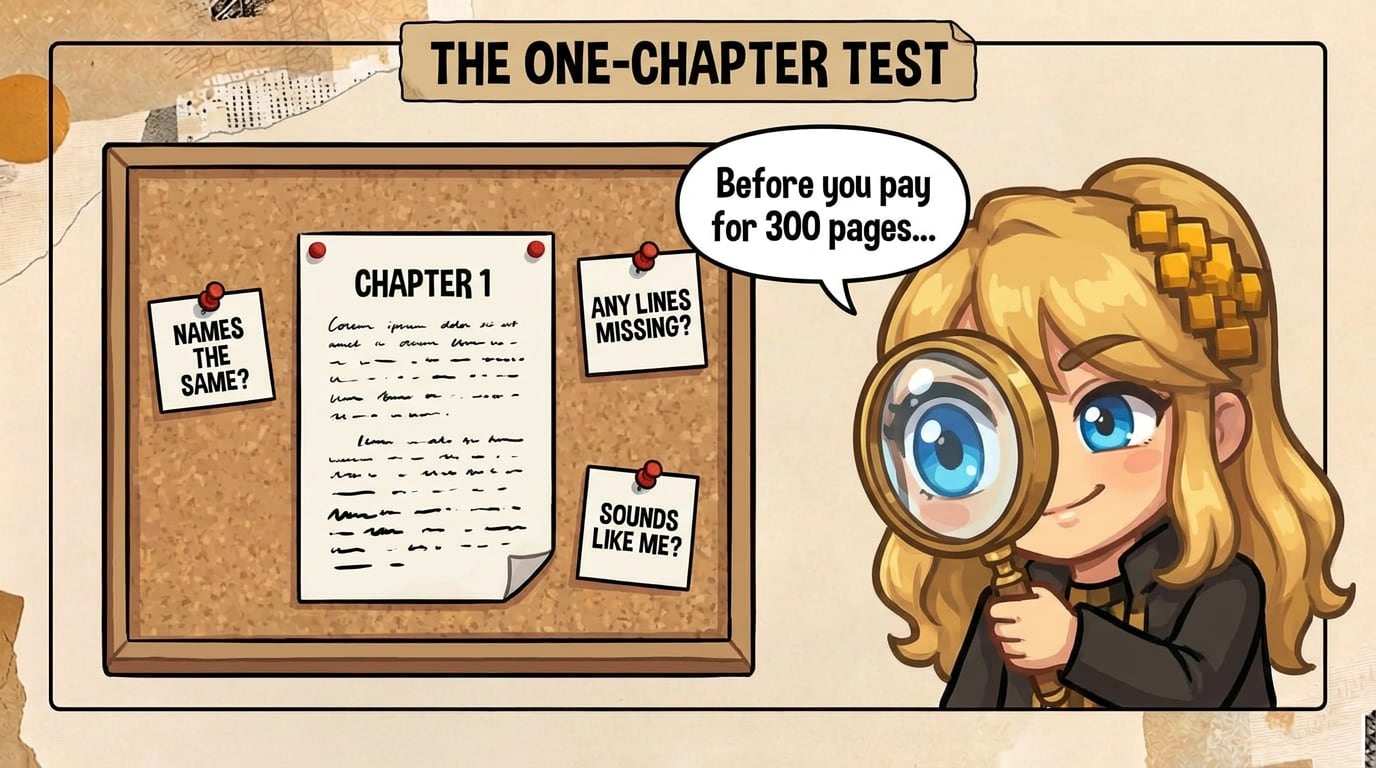
Every tool on this list will translate one chapter for free or for a few euros. Use that. Pick the chapter that is hardest for your book, not the first one: the dialogue-heavy scene, the one with the made-up words, the darkest one. Run it through two or three tools, then check three things.
- Are the names the same? Search the translation for every character and place. Count the variants. One is the right number.
- Is anything missing? Count the paragraphs on both sides. Dropped lines are a common AI failure, and a dropped line never looks wrong.
- Does it sound like you? Read the dialogue aloud. If your sharp-tongued heroine now sounds like a polite assistant, the tool flattened her.
Then think about what happens on page 300. A great human translator sometimes improves a name on purpose: Anthea Bell and Derek Hockridge turned Asterix’s druid Panoramix into Getafix, and English readers are better off for it. That is a decision. The tool you want is the one that makes it your decision, once, and then sticks to it for 300 pages.
Which tool would I pick?
It depends on what you want to do with your evening.
If your book is on Kindle in English and you want it in Spanish next month with no work, join the Kindle Translate waiting list and accept that you can’t touch the result. If you want a finished file and trust a guide you edit up front, TranslateABook’s Author Mode is the most complete hands-off option. If you enjoy talking through every hard line and don’t mind stitching chapters together, ChatGPT or Claude for $20 will do it.
If you want to read every line, keep your names fixed and get your EPUB back, use an editor: Nobella if your language is one of its ten, Transept if you want a glossary, a styleguide and a proofread against the source on the whole book. And whichever you choose, translate one chapter first.

FAQ
Do I have to tell Amazon my novel was translated with AI?
Yes, if you publish it on KDP. Amazon’s content guidelines ask you to declare AI-generated text, images or translations, even if you edited the result substantially afterwards. KDP accepts AI-translated books. It only asks you to say so. Other retailers set their own rules.
Can AI translate my novel into English from Polish, Ukrainian or Japanese?
Yes, but not every tool on this list can. Kindle Translate works between English and five European languages and doesn’t take Japanese. Lexilit specializes in Japanese, Chinese and Korean. DeepL, Google Translate, ChatGPT, Claude and Transept cover all three.
How long does it take to translate a novel with AI?
The machine part takes hours: TranslateABook quotes 3 to 12 hours for Author Mode, and Kindle Translate up to 24 hours plus up to three days to appear in the store. Your part takes longer. Reading a 90,000-word translation carefully is a few weeks of evenings, and a native reader’s pass adds more.
Which AI translation tools keep my EPUB formatting?
TranslateABook, OpenL, O.Translator and Transept take an EPUB and give one back. Claude reads an EPUB but writes DOCX or PDF. DeepL and Google Translate don’t accept EPUB, so you convert to Word first. Kindle Translate works on your published Kindle edition.
Will these tools use my manuscript to train AI?
TranslateABook and Transept say they don’t train on your book, and Lexilit says it won’t without your explicit permission. O.Translator says it doesn’t use your data to improve its service. For ChatGPT and Claude, check the data settings of your plan. Read each privacy policy before you upload a book you haven’t published yet.
Do I still need a human editor if I use an AI translation tool?
For a book you will sell, yes. AI gives you a consistent draft fast, and a native reader catches what only a native reader can: the joke that doesn’t land, the idiom nobody uses. What it costs to translate a novel compares the budgets for AI alone, AI with an editor, and a human translator.
The author
Co-founder of Transept. Three degrees in English Language and Literature — Kyiv, Ostrava, and a year in Salzburg — and a Ukrainian native who lives most of her writing life in English. Came into AI as a prompt engineer, then product and lifecycle marketing. She writes semi-fictional stories about real people, and keeps circling the question of what gets lost between languages.