Translate
Translate Notion pages without copy-paste
Connect Notion once and pull pages into Transept by URL. Translate. Push the result back as a new page in the same workspace, with headings, callouts, toggles, code blocks, and image references preserved. The integration runs on the latest Notion API (2025-09-03).
Free to begin · No card required
Notion is where a generation of content creators, knowledge workers, and product teams now draft everything. Newsletters live in Notion. Knowledge bases live in Notion. Internal handbooks, launch briefs, project plans — Notion. Translating that content has historically meant copy-pasting into another tool, losing the toggles and callouts and code blocks, then pasting it back with broken formatting. Transept connects to Notion via OAuth, reads pages directly, and writes translated versions back as new pages in the same workspace. Headings stay headings, toggles stay toggles, code blocks stay code blocks — the page in your sidebar looks like the page you started with, only translated.
Notion in, Notion out
Most Notion translation workflows are: copy the page into a doc, run a translator, paste the result back, fix the broken formatting. This one isn’t.
Connect Notion once
OAuth into your Notion workspace from Settings. Transept reads the pages you grant access to and writes new translated pages back.
Import a page by URL
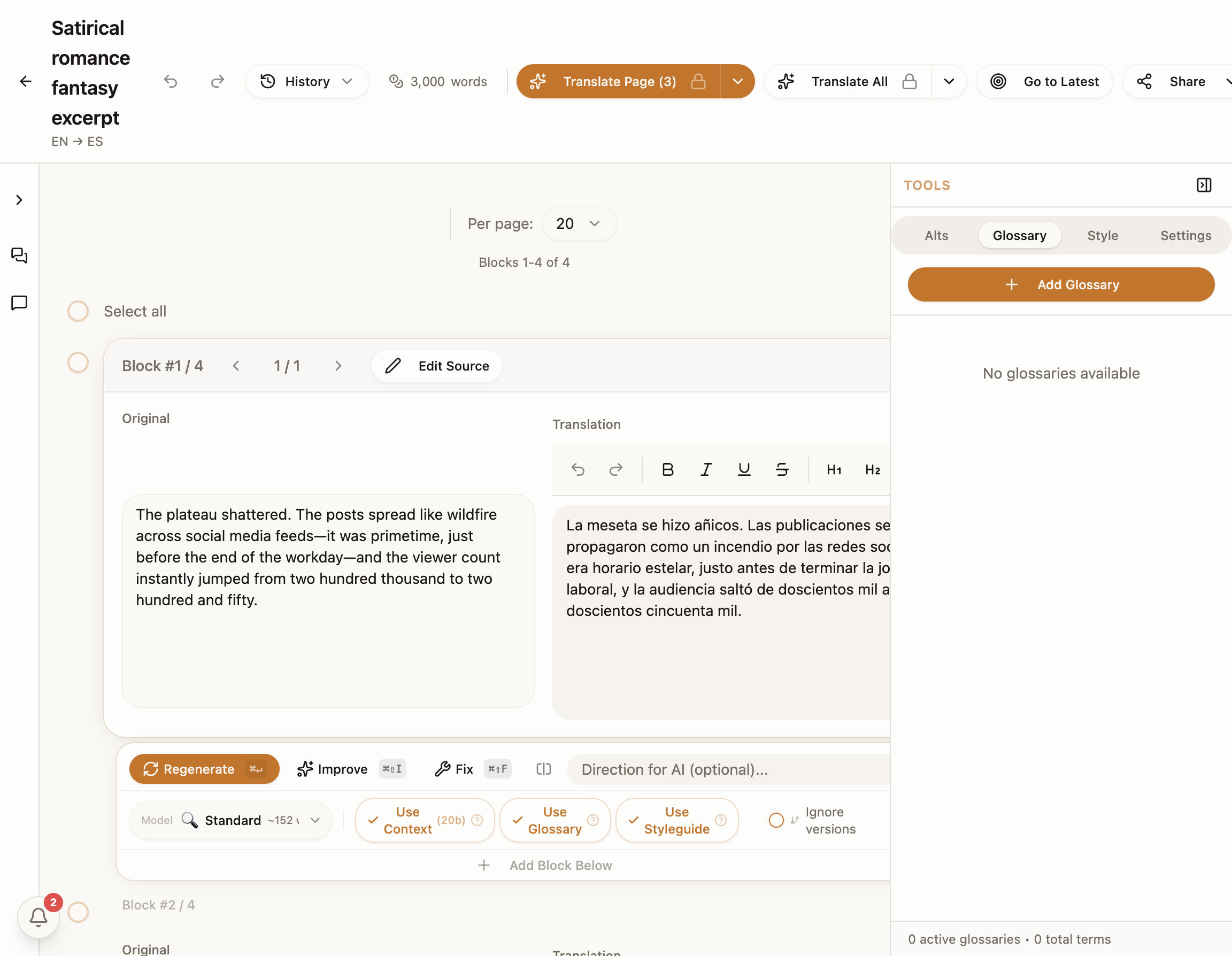
Paste the Notion URL. Headings, paragraphs, lists, callouts, toggles, code blocks, embeds — all of it becomes editable blocks inside Transept.
Translate with the rest of the page in context
Headings translate as headings; code blocks pass through untouched; callout icons survive. The translation respects the surrounding structure.
Export back as a Notion page
A new page lands in your workspace with the localized content. Or export as Markdown if you’d rather move it somewhere else.
Made for the Notion-first crew
Creators & newsletter writers
Your Substack and your essays live in Notion. Localize the next piece without losing the formatting you spent an hour on.
Knowledge-base teams
Internal handbooks and external help centers built in Notion, kept in sync across markets.
Product & marketing
Launch briefs, FAQs, and campaign plans drafted in Notion, translated and shared with regional teams.
Questions, answered without the fluff
- Both. Individual pages import as-is; database entries can be translated one at a time or in batch by row.
- Reads the pages you grant. Sends the text to the translation provider you’ve picked. Writes a new translated page back. Nothing is used for model training — see the security page for the full data story.
- Standard Notion block types are fully supported. Some custom embeds may render as placeholders pointing back at the original; the rest of the page is unaffected.
- Anytime — Settings → Integrations → Disconnect. Notion also lets you revoke the OAuth grant from your workspace settings.
- Just the pages you grant access to. The OAuth picker scopes access to whatever you pick — a single page, a section, or specific databases. Revoke anytime from Settings → Integrations or from Notion’s workspace settings.
- Yes — databases are first-class. Pull a database into Transept and translate row by row, or batch all rows at once. Database properties (tags, statuses, dates) pass through; only the text content gets translated.
- Yes. Transept maps every Notion block type to its translatable structure. Code blocks pass through untouched; callouts keep their icon and color; toggles keep their nested content.
- No — the translated page is a fresh page with the translated content. Source-side comments stay on the original. This is intentional so the original review history is preserved and the translation starts clean.
- Yes — Transept runs on Notion API version 2025-09-03, which treats databases as "data sources" and supports the latest block types. You don’t have to do anything; the integration handles the version automatically.
Keep reading around this capability
- FeatureDocument translation that holds together→DOCX, PDF, Markdown — uploaded, parsed into blocks, translated with the rest of the document for context. Page 1 reads like page 300; the…
- FeatureGoogle Drive, Docs to Docs→Connect Drive once. Pull in a Google Doc, a folder of DOCX files, or a PDF report. Translate. Send the result back as a new Doc — same…
- FeatureExport back to where you started→DOCX for clients. Markdown for engineers. Notion for content workflows. Google Docs for collaboration. Whatever format the source came in,…
- Use caseTranslate the next post without losing your voice→Long-form content lives or dies on voice. Run your post through Transept with a styleguide built from your own writing, choose from…
- Use caseLocalize the help center without breaking product terms→Help articles need a clear support voice, exact product UI strings, and zero drift across a hundred pages. Build a product glossary once,…
Localize your Notion workspace without leaving it
Start translating→Free to begin · No card required